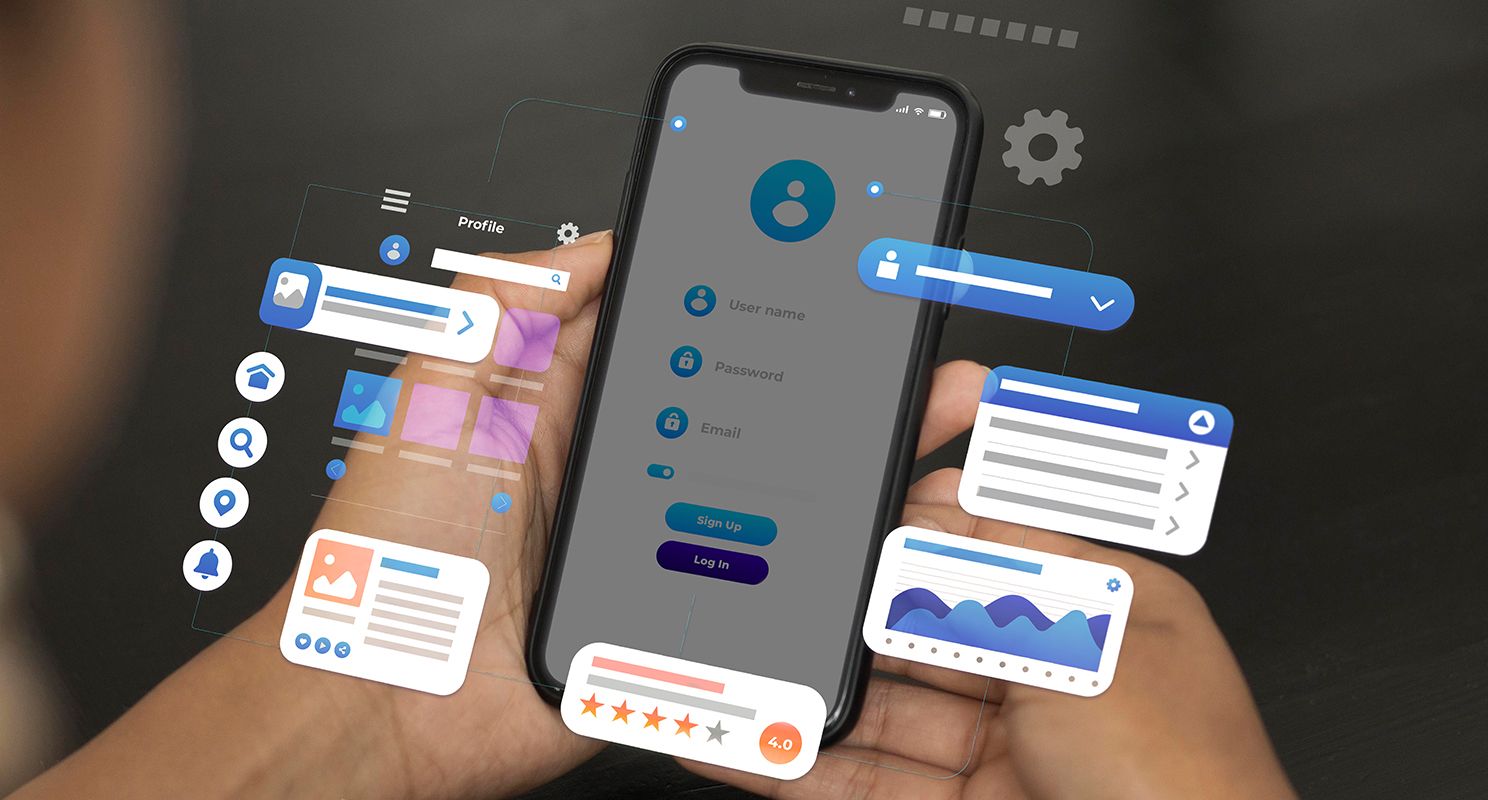
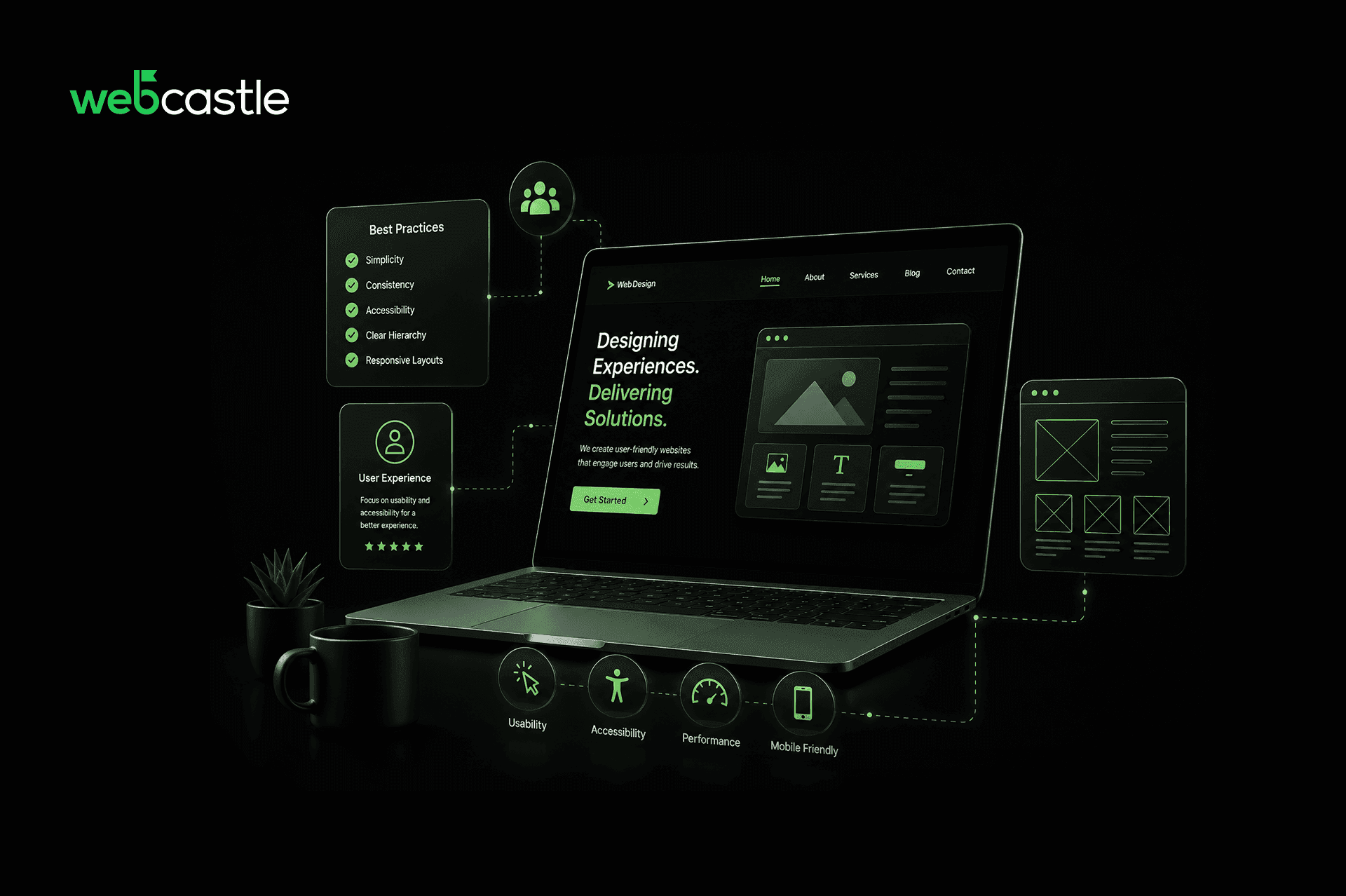
A website that is intuitive, fast, and accessible retains visitors and drives conversions. Poor usability, by contrast, creates friction that pushes potential customers toward competitors. User-friendly design is not merely an aesthetic consideration — it is a strategic business asset that directly influences engagement, revenue, and growth.
What Makes a User-Friendly Website?
- Effortless navigation that helps users locate information without confusion
- Fast load times that respect the visitor's time and attention
- Clear content hierarchy that guides readers through the page logically
- Responsive, accessible design that functions seamlessly across all devices and user needs
Best Practices for User-Friendly Website Design
1. Simplify Navigation
Navigation menus should use familiar, expected language — Services, About, Contact — placed exactly where users instinctively look. Abstract or creative labels may feel distinctive, but they create confusion. A short, clearly labeled menu with a logical structure will always outperform a clever one.
2. Design for Mobile First
Mobile users represent a significant — and growing — share of web traffic. A site that presents small text, misaligned images, or difficult-to-tap buttons on a phone is failing a large portion of its audience. Responsive design is no longer a premium feature; it is the baseline expectation.
3. Optimize Loading Speed
The most common cause of slow load times is uncompressed imagery, followed closely by unnecessary background scripts. Both warrant regular auditing. Reliable hosting infrastructure is equally important — no design optimization can compensate for a server that struggles under normal traffic volumes.
4. Maintain Visual Consistency
Typography, spacing, button styles, and heading scales should follow a defined system across every page. Inconsistencies — even subtle ones — make a site feel disjointed and erode visitor trust, often without the visitor being able to articulate why.
5. Prioritize Readability
Dense, unbroken text discourages reading. Adequate line spacing, clear paragraph breaks, and a comfortable font size reduce the cognitive effort required to engage with content. If reading feels like work, most visitors will not do it.
6. Use Clear, Purposeful Calls to Action
Every page should direct visitors toward a defined next step — whether that is booking a consultation, viewing a portfolio, or requesting a quote. Calls to action should be specific, visible, and contextually relevant to the page content.
7. Streamline Forms and Interactions
Each additional form field increases the likelihood of abandonment. Include only what is genuinely necessary at that stage of the interaction. Use plain, descriptive field labels, provide immediate confirmation upon submission, and on longer forms, display a progress indicator to maintain momentum.
8. Build for Accessibility
Accessibility is not an edge case. Missing image alt text, illogical heading structures, insufficient color contrast, and broken keyboard navigation create real barriers for a meaningful portion of any audience. Addressing these issues improves both inclusivity and overall build quality.
Common Website Design Mistakes to Avoid
Cluttered layouts — More elements do not mean more value. Overcrowding a page makes it harder to use, not more informative.
Slow load times — A meaningful percentage of visitors will leave before a slow page fully renders.
Poor mobile experience — A desktop-only site delivers a broken experience to the majority of modern visitors.
Confusing navigation — Users rarely provide feedback about unclear menus. They simply find a better site.
Excessive pop-ups — A single, well-timed prompt can be effective. Multiple interruptions destroy the experience entirely.
How User-Friendly Design Benefits Your Business
Investing in usability produces measurable returns across several dimensions:
Higher engagement — Intuitive navigation keeps visitors on-site longer
Improved conversion rates — Frictionless experiences convert more visitors into customers
Stronger brand trust — A polished, accessible website signals professionalism and reliability
Better search visibility — Fast, mobile-optimized sites are rewarded with improved search rankings
Creating Websites That Users Love
A user-friendly website is not a luxury, it is a business necessity. When navigation is clear, content is readable, pages load quickly, and the experience works seamlessly across every device, visitors stay longer, trust your brand more, and are far more likely to convert. These are not complex principles, but they require consistent attention and a willingness to keep improving long after launch.
Businesses that treat their website as an ongoing investment rather than a finished product are the ones that see sustained digital growth. If your website is not delivering the results it should, the answer almost always lies in the fundamentals, and getting those right is exactly where the process begins.
For businesses looking for a reliable web designing company in Kerala, WebCastle builds user-friendly websites with ongoing support for long-term success. Call us at +91 484 405 2626 or fill out our contact form to discuss your project with our experts.