Months of design work, development sprints, and testing cycles go into building an app before it's ready for iOS app submission and App Store review. Then comes the wait — and instead of an approval email, what shows up is a rejection notice with a guideline number attached and little else to explain it. This happens more often than most teams expect, even to developers who've shipped apps before.
Here's the reassuring part: Apple's reviewers flag the same handful of issues year after year, which means most rejections are predictable once you know where to look. Below, we've broken down what actually trips developers up during review, why Apple cares about each one, and what to check before you hit submit.
Why Apple Rejects Some Apps
Every app that goes through Apple App Review is evaluated across five broad areas.
Safety: Does the app expose users to harmful or misleading content?
Performance: Does it run the way it's supposed to, without crashing or breaking mid-use?
Business: Are payments and subscriptions handled the way Apple requires?
Design: Is the app usable, or does it feel unfinished?
Legal: Does it hold up against privacy law and regional rules?
Most App Store rejections fall into one of these categories. Once you start reading rejections through that lens, they stop feeling arbitrary.
The Most Common App Store Rejection Reasons
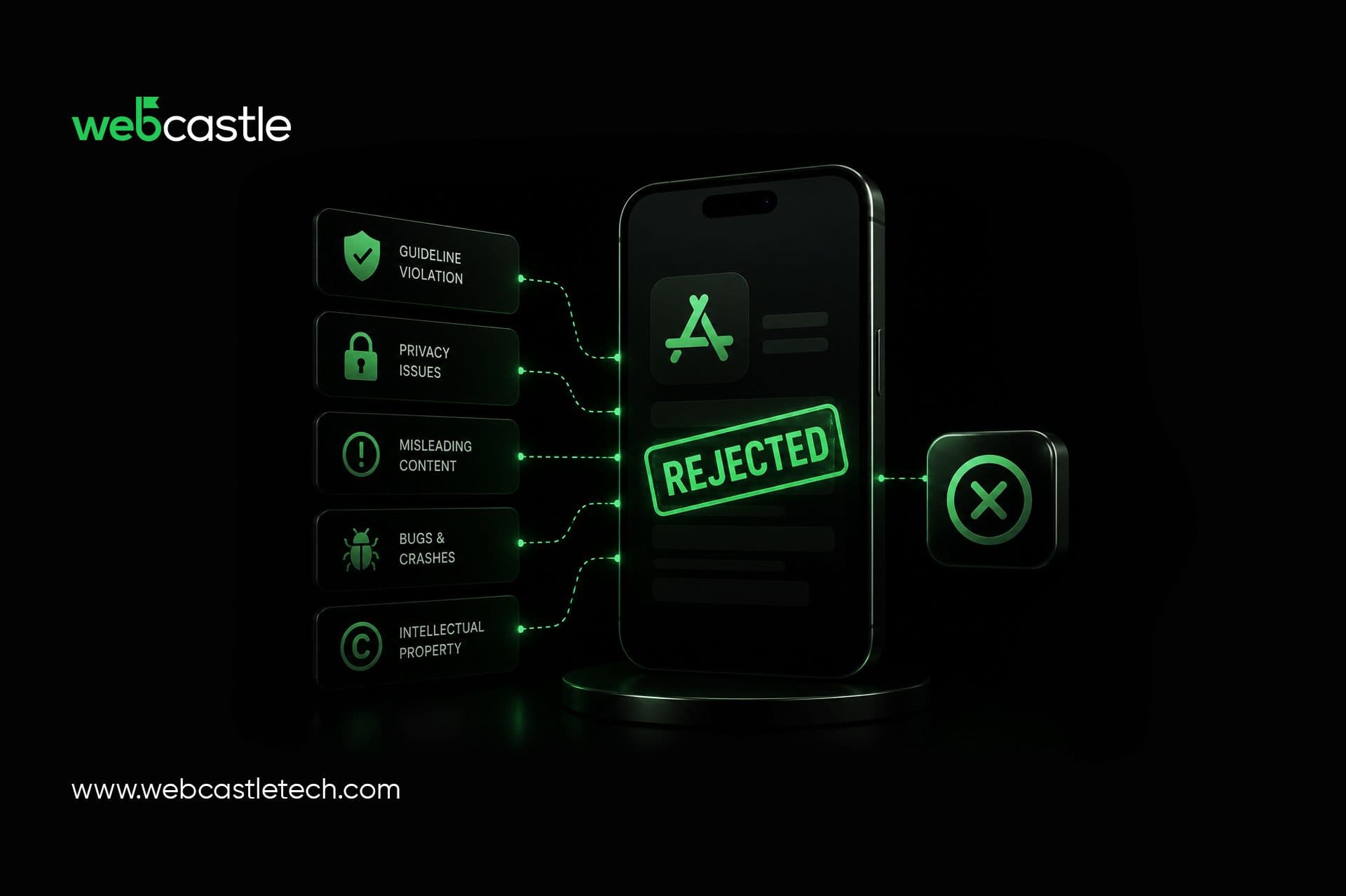
Crashes, Bugs, and Incomplete Functionality (Guideline 2.1)
Few issues lead to rejection faster than a crash. If the app freezes on a screen, or a button just doesn't do anything, that's often all it takes. Reviewers move through core flows fast and don't dig around trying to find a workaround if something breaks early.
Run your app on actual devices before you submit, not only the simulator. Login screens, permission prompts, and anything relying on a network call are usually where things fall apart, so give those extra attention.
Privacy and Data Disclosure Violations
Apple's privacy expectations have tightened considerably, and the App Privacy label in App Store Connect is where a lot of this gets checked. It needs to match reality: what your app actually collects, and why. A gap between what the app does and what the label claims is grounds for rejection on its own.
This isn't limited to code you wrote yourself. Any analytics tool, ad SDK, or crash reporter bundled into your app carries its own data practices, and those need to show up in your disclosures too. Teams are often surprised by how much a third-party SDK collects on its own.
Missing or Inaccurate Metadata
Your app's name, screenshots, description, and keywords all have to line up with what's actually inside the app. Placeholder text left in a listing, screenshots that don't match the current build, or feature claims that aren't live yet, these all get flagged. A simple way to verify this: if someone downloaded your app expecting exactly what the listing shows, would they be disappointed? If yes, expect a rejection.
In-App Purchase and Payment Issues
Anything digital sold inside your app has to go through Apple's own purchase system. You can't route users to an outside payment page for digital content, and subscriptions need upfront clarity on price, renewal, and cancellation. A common issue is purchases that fail to restore after a reinstall, which can result in rejection under Apple's business guidelines.
Broken or Placeholder Content
Dummy text, blank screens, or leftover test data left in the build tells a reviewer the app isn't actually finished. So do dead links or UI elements that look functional but do nothing when tapped. If something isn't ready, the safer move is hiding it for this release rather than shipping it half-built.
Design and Minimum Functionality Problems
There's a floor for what counts as a "real" app in Apple's eyes. A site wrapped in a WebView with nothing native going on, or navigation that leaves users guessing, tends to get rejected under the design guidelines. You don't need custom animations or a flashy interface, just something that feels deliberate and works the way people expect an iOS app to work.
Missing AI Disclosure and Consent (2026 Update)
This one trips up a lot of teams because it's newer. If your app sends users' personal data to a third-party AI service for features such as chat, personalization, or content generation, Apple requires clear disclosure and explicit user consent. If AI-generated content could reasonably be mistaken for human-created or authoritative information, clearly identifying it can also improve transparency and user trust.
Outdated SDK / Build Requirements
Apple periodically updates its minimum SDK requirements. Apps built with unsupported versions of Xcode or outdated SDKs may be rejected during submission or App Review, making it important to keep development tools up to date.
How to Avoid App Store Rejection
- Run the app on real devices and walk through every core flow looking for crashes or dead ends
- Check that your App Privacy label actually reflects what your app and its SDKs collect
- Strip out placeholder text, test data, and any half-finished features before submitting
- Confirm purchases and subscriptions work end to end, including restoring after reinstall
- Match your screenshots and description to what the current build actually does
- Add visible consent prompts anywhere AI content or AI data sharing is involved
- Double check your build is compiled with the current required Xcode and SDK versions
What to Do If Your App Gets Rejected
A rejection doesn't signal failure, even experienced teams encounter them as often as first-time developers.
- Read the rejection notice carefully and pin down the exact guideline being cited
- Reproduce the issue yourself before changing any code, so you're looking at what the reviewer flagged
- Fix only that specific issue, and leave unrelated parts of the build alone
- If you believe the rejection was a misunderstanding, respond through the Resolution Center in App Store Connect
- Resubmit as soon as the fix is verified — long delays can affect how future submissions get reviewed
Conclusion
A rejection from Apple isn't a verdict on your app, it's just part of the process. Most developers who sail through review treat the App Store Guidelines as a pre-submission checklist, not an afterthought.
If you'd rather skip the trial and error, working with a team that's submitted dozens of apps helps. WebCastle is one of the top mobile app development company in Kerala that has guided businesses through Apple's review process across categories, from first-time submissions to complex enterprise apps.
Planning an iOS app? Partner with WebCastle Media to simplify the App Store review process and launch with confidence.