Most businesses lose customers the same way: quietly, through a hundred small failures nobody tracked. A lead goes cold because two sales reps both thought the other was following up. A loyal customer churns because nobody noticed they hadn't ordered in four months. A support ticket sits for two days because it landed in the wrong inbox.
None of this shows up on a balance sheet until it's too late to fix.
CRM software exists to close that gap. It centralizes every customer interaction, paves the way for sales automation, and gives you a data trail that tells you exactly where revenue is leaking. If you're running a business on spreadsheets, sticky notes, and someone's memory, this is the fix.
What Is CRM Software?
Customer Relationship Management software is a system that tracks every interaction a business has with a customer or lead, in one place. Calls, emails, purchase history, support tickets, contract renewals. Instead of that information sitting in someone's inbox or a salesperson's head, it sits in a shared system anyone on the team can access.
Core functions usually include:
- Contact and lead management
- Sales pipeline tracking
- Task and workflow automation
- Customer service ticketing
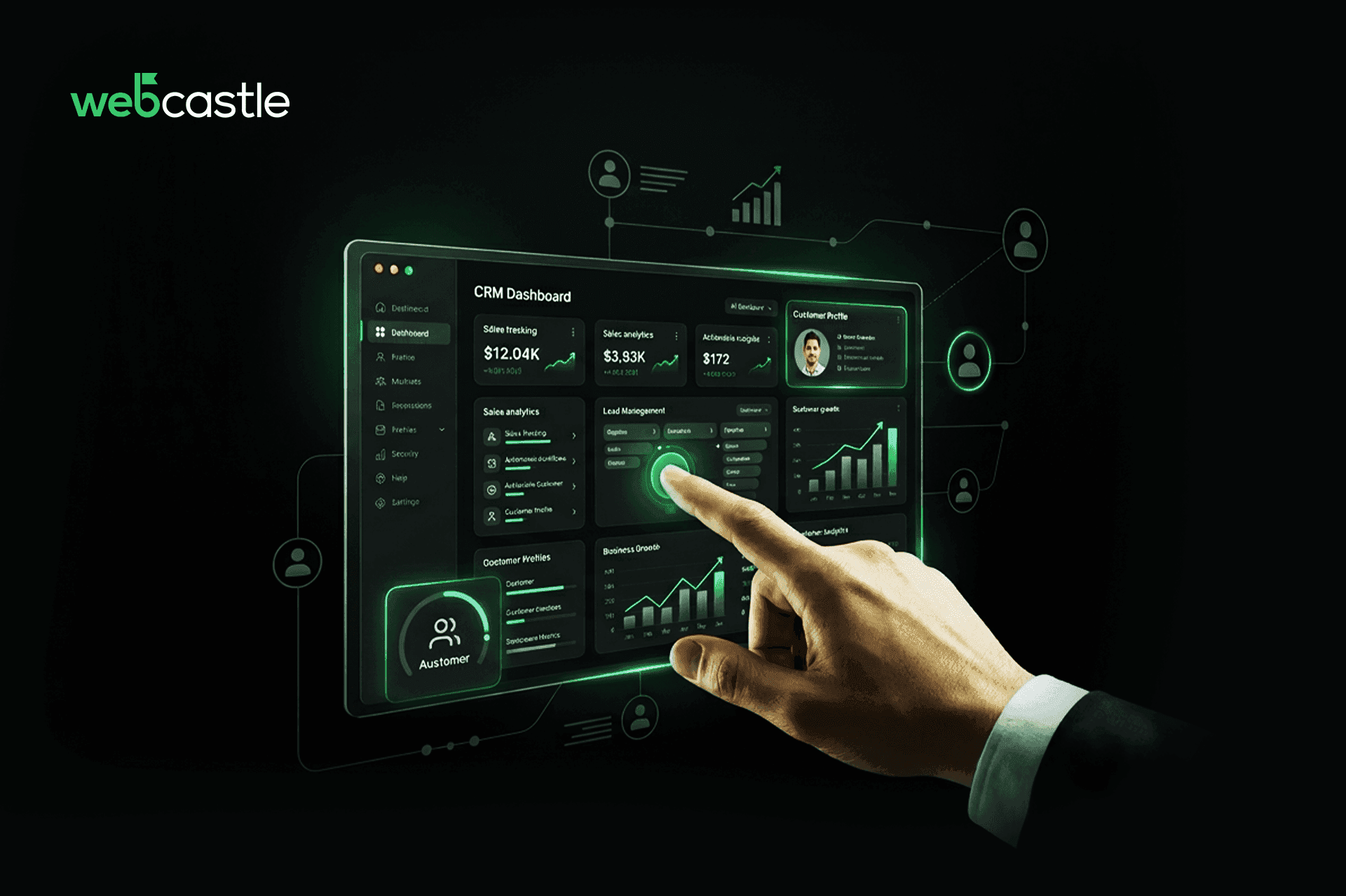
- Reporting and analytics dashboards
Strip away the marketing language, and a CRM is really just a memory system for your business. It remembers what your people forget.
Key Benefits of CRM Software
1. Improved Customer Relationship Management
Every customer touchpoint, every email, call, complaint, and purchase lives in one record. When a customer calls back six months later, whoever picks up the phone already knows the history. No "let me transfer you" loop, no repeating themselves for the third time.
This also means communication gets personal without extra effort. A CRM can flag that a customer prefers email over calls, or that their contract renews in 30 days, and surface that automatically.
2. Increased Sales and Revenue
Sales teams lose deals to disorganization more often than to competitors. A CRM fixes the basics:
Every lead gets logged and tracked through the pipeline, so nothing falls through the cracks
Follow-up reminders fire automatically instead of relying on memory
Repetitive tasks (data entry, status updates, quote generation) get automated, freeing reps to actually sell
The revenue gain isn't magic. It's fewer dropped leads and faster response times, which compound over a quarter.
3. Enhanced Team Productivity
This is the part most CRM marketing skips, because it's less exciting than "boost sales 300%." But it's where the real return lives. Time savings from individual productivity gains and broader process efficiency account for the majority of total ROI from modern CRM deployments. Not new sales. Time saved.
That shows up as:
- Less manual data entry across departments
- Fewer status update meetings, because the dashboard already shows progress
- Faster handoffs between sales, support, and marketing
4. Better Customer Service
A support team without a CRM is flying blind. They don't know if the customer on the phone is a first-time caller or someone who's submitted five tickets this month. A CRM closes that gap:
Full ticket and interaction history is visible the moment a customer reaches out.
Routing rules send issues to the right person the first time, not after two transfers.
Response time drops because nobody is hunting for context
5. Data-Driven Decision Making
Gut instinct runs out fast once a business grows past a handful of customers. CRM dashboards turn raw activity into decisions: which products sell best to which segment, where the sales pipeline stalls, and which marketing channel actually converts.
This matters more than it sounds. Decisions based on what "feels right" tend to protect existing habits. Decisions based on a pipeline report tend to expose them.
6. Improved Customer Retention
Acquiring a new customer costs more than keeping one. A CRM helps retention by making it obvious when a customer is going quiet, before they've already left.
Automated check-ins for accounts that haven't engaged recently
Renewal and contract alerts before the deadline, not after
Segmented communication, so customers get relevant offers instead of generic blasts.
7. Scalability for Business Growth
A spreadsheet works fine for 50 customers. It collapses at 5,000. CRM systems are built to scale alongside the business, adding users, automations, and integrations without the system buckling.
This matters for a business that's actively expanding into new cities or markets. A CRM that can't handle multi-location, multi-team complexity becomes the bottleneck you didn't see coming.
How to Choose the Right CRM Software
Picking a CRM off a "Top 10" list is how businesses end up paying for tools they don't use. Before signing anything, check:
Business requirements: Does the team need sales tracking, support ticketing, or both? Buying an all-in-one suite when you only need pipeline tracking is a waste of spend.
Integration capabilities: Will it connect with the accounting software, email, and e-commerce platform already in use? A CRM that lives in isolation creates more manual work, not less.
Ease of use and scalability: A system the team won't actually use is worse than no system. And if the business has growth plans, the CRM needs room to grow with it, not a forced migration in 18 months.
This is also where most CRM rollouts fail, not because the software is bad, but because nobody mapped the business process onto the tool before buying it. WebCastle's CRM software development starts with that mapping exercise specifically to avoid this.
Maximizing Business Growth with CRM Software
A CRM isn't a line item. Its infrastructure is in the same category as your website or your accounting system. Treated as a strategic investment, it pays back in three specific ways: time recovered from manual work, customers retained instead of lost quietly, and decisions made on data instead of guesswork.
The businesses that get the most from CRM software are the ones that implement it properly, with workflows built around how the team actually works, not a generic template. That's a setup problem, not a software problem, and it's where most failed CRM rollouts go wrong.
If you're building or refining a CRM strategy, WebCastle CRM development team can build a system around how your business actually operates. Get in touch to talk through what that looks like for you. Call us at +914844052626
FAQs
1. How does CRM software improve sales performance?
By tracking every lead through the pipeline automatically, sending follow-up reminders, and removing manual data entry. Sales performance improves less from "smarter selling" and more from fewer leads slipping through gaps.
2. Is CRM software suitable for small businesses?
Yes. The same disorganization that costs a large company sales costs a small one, too, often worse, since small teams have less slack to absorb dropped leads. The key is choosing a CRM scaled to the team size, not an enterprise system built for thousands of users.
3. Can CRM software improve customer retention?
Yes, through automated re-engagement alerts, renewal reminders, and a full interaction history that lets a business respond before a customer goes quiet. Retention improves because problems get caught earlier, not because the software does anything magical.
4. What features should I look for in a CRM system?
Contact and lead management, pipeline tracking, automation for repetitive tasks, integration with existing tools, and reporting dashboards. Beyond that, prioritize based on actual business requirements rather than a feature checklist from a vendor's homepage.