
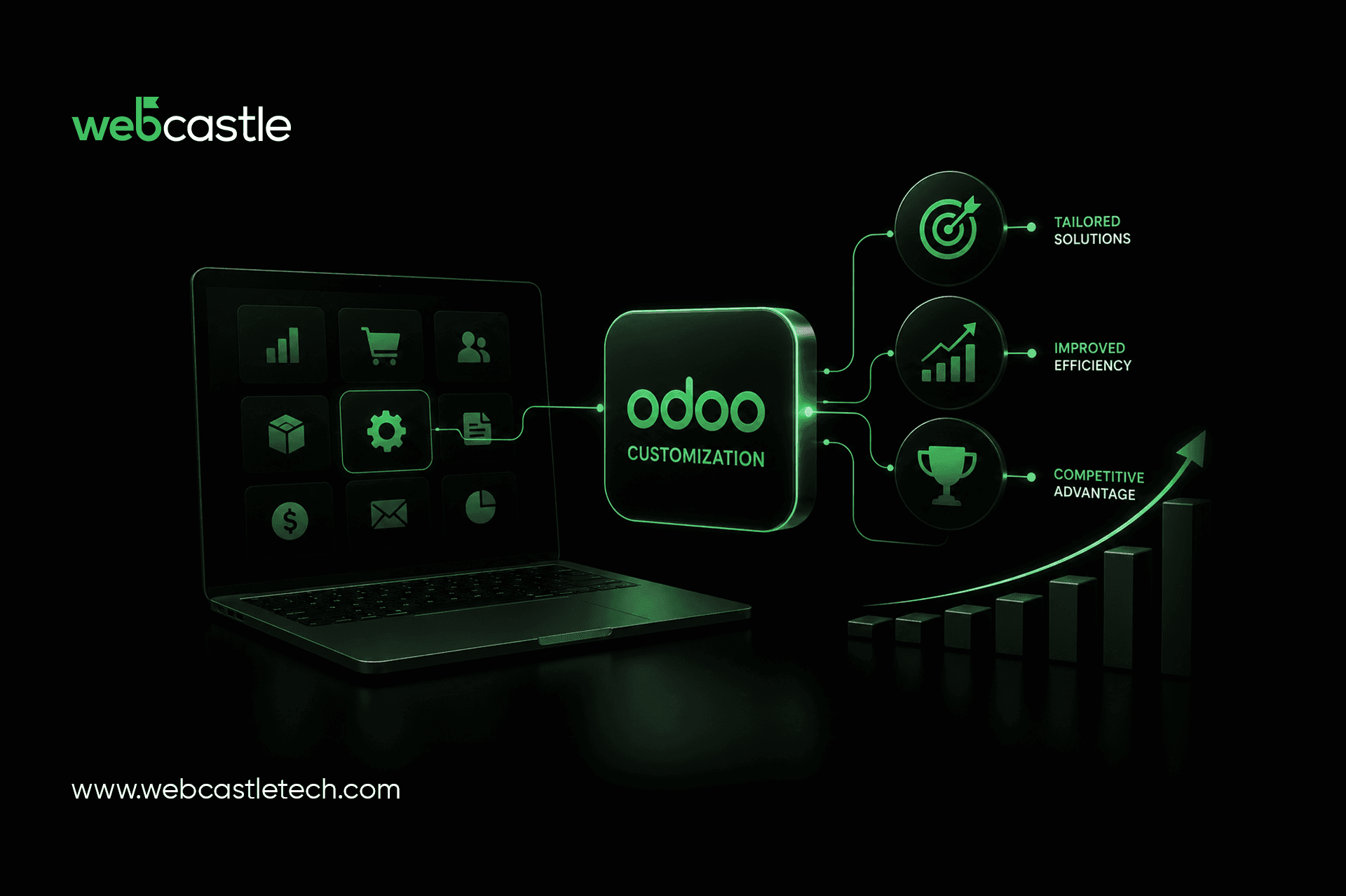
Most ERP vendors sell you a system built for a business that doesn't exist. It has the right modules, the right dashboards, and none of your actual workflow. You bend your operations to fit the software instead of the other way round. Six months in, half your process lives in Odoo and the other half lives in a spreadsheet nobody admits to keeping.
Nobody signed off on that spreadsheet. It just happened, one workaround at a time.
Odoo out of the box runs your company the way Odoo's product team imagined a generic business would run, and that generic business doesn't exist. Customization rewires the sales stages, approval chains, tax rules, and reports around how your business runs. This piece covers where that rewiring earns its cost, across sales, inventory, accounting, manufacturing, and HR. It covers what customization buys you beyond "it looks nicer now," when the investment makes sense, and how to pick a development partner without getting stuck in an endless change-order loop.
Why Businesses Customize Odoo
Odoo ships with a wide range of apps covering sales, inventory, accounting, manufacturing, and HR on one shared database. That breadth is why companies pick it over single-purpose tools. It's also where the trouble starts.
The default sales pipeline stages rarely match how your team closes deals. The invoice format ignores your state's GST rules or your UAE VAT filing requirements. The approval chain assumes a flat org when yours runs three sign-off layers deep. None of this is a bug. Odoo Community and Enterprise are designed to serve every industry at once, which means they serve none of them precisely.
The friction shows up in familiar places:
Staff re-entering the same data in Odoo and a legacy tool because one field is missing
Managers export reports to Excel because the built-in view doesn't answer the question they meant to ask
Finance manually adjusts every invoice before it goes out
Sales reps tracking deal stages in a notebook because the CRM pipeline doesn't match reality on the ground
Odoo customization isn't a nice-to-have layer bolted on top. It's the one thing that can make the difference between the software your team fights and the software your team forgets.
Areas Where Odoo Customization Adds Value
Odoo Customization shines everywhere. There is a lot of customization in most departments.
Sales and CRM
Odoo CRM has a generic pipeline out of the box, built for an average deal cycle that matches no one's actual sales process. A custom build reconfigures the stages for how your team closes business, introduces the fields reps need at the moment of your lead's interaction, and wires in scoring rules so leads don't end up in a shared inbox until someone sees them.
Inventory Management
Within weeks, multi-warehouse companies hit Odoo's default stock rules. Customization integrates batch tracking, reorder logic based on your true supplier lead times, and barcode workflows designed to match how your warehouse floor handles product.
Accounting and Finance
If you have to work with multiple currencies for your invoices, Odoo will support that as well. Odoo's accounting module requires a list of custom tax rules for GST or VAT or any tax regime your jurisdiction may have, and invoice templates that align with your compliance needs.
Manufacturing Operations
Typical bill-of-materials and work order processes assume a simple production line with a single production stage. Custom Odoo development creates routing logic for multi-stage production, quality checkpoints aligned with the real defects you have, and the planning of production, allowing for machine downtime instead of assuming every shift is at full capacity.
HR and Employee Management
Policies like leave, shift systems, payroll regulations, and appraisal cycles vary per company and per country. The HR module is customizable, which means it's not based on some template that your HR team overrides monthly; it's based on what's in your policy manual.
Benefits of Odoo Customization
Improved Efficiency
Fewer manual workarounds mean less time spent re-entering data or chasing emails. Teams cease to operate around the system and begin to operate in the system. Watch a finance team burn real time every week on a workaround that a single sprint of custom dev would kill, and efficiency stops being an abstract benefit.
Better User Experience
A dashboard built around your team's real questions gets used. A generic one gets ignored, and adoption is where most ERP rollouts die, without anyone announcing it.
Scalability
Odoo's modular architecture lets you add users and apps as you grow, without rebuilding the system from the ground up. Custom modules built cleanly on top of that architecture scale with the business instead of becoming the thing you rip out and replace once headcount doubles.
Business Process Automation
Custom workflows and automated rules eat the repetitive tasks: auto-generated invoices, automatic stock reordering, approval chains that route themselves without a human in the loop. That's not a convenience feature. That's headcount you don't have to hire just to keep the lights on.
When Should You Customize Odoo?
Customization isn't a day-one requirement for every company, and pretending otherwise wastes money. It becomes worth the spend when:
Your team builds a manual workaround around a core Odoo module every week.
You operate in a regulatory environment, GST, VAT, or industry-specific compliance, that the default build doesn't handle
You've outgrown the standard reporting and need dashboards tied to metrics specific to your business.
Multiple departments duplicate work because modules don't talk to each other the way your process demands.
You're scaling into new markets or business units, and the current setup was never built for that.
If none of that applies yet, skip it. A clean, standard Odoo install is often the right call for a company still finding its processes. Customize when the friction is real, not because a vendor tells you it should be.
Choosing the Right Odoo Development Partner
Most Odoo projects go sideways here, not in the software but in who builds on top of it. A weak implementation partner writes brittle custom code that snaps on the next Odoo upgrade. Or worse, they scope the project so loosely that "customization" turns into an open-ended bill with no ceiling.
Look for a partner who:
Shows you actual client work in your industry, not a logo wall
Scopes the project against your specific workflows before writing a line of code
Has handled Odoo implementation and migration, not just customization bolted onto a fresh install
Gives you a straight answer on ongoing support and upgrade compatibility instead of dodging the question
Kerala has built a strong base of Odoo talent in recent years. Kochi, in particular, is home to a growing number of Odoo development companies in Kerala, some of whom serve clients well past the state's borders. Odoo ERP customization is never a one-off build. It's a relationship you're stuck with through every future upgrade, so pick a team that plans to still be answering your calls two years from now.
Conclusion
Odoo gives you the raw material for a serious ERP system. Customization turns that raw material into software that fits your business instead of the other way round. Skip it, and you'll spend years working around a system that was never built for you.
If your team is duct-taping workarounds onto a standard Odoo build, or you're weighing Odoo implementation for the first time, talk to WebCastle. We've built Odoo customization, implementation, and integration work for businesses across sectors, and we scope before we build, not after. Tell us where your current system is fighting you. We'll tell you exactly what it takes to fix it.